
Recorded from the live platform — no mockups. Every step is annotated. Click any tour to play.
Each guide follows the actual platform interface, screen by screen.
From the left navigation choose Lakehouses, then click + Lakehouse. Name it and choose a storage location — Azure Blob Filesystem, Gravitino VFS, Kubernetes, S3 or S3-compatible.
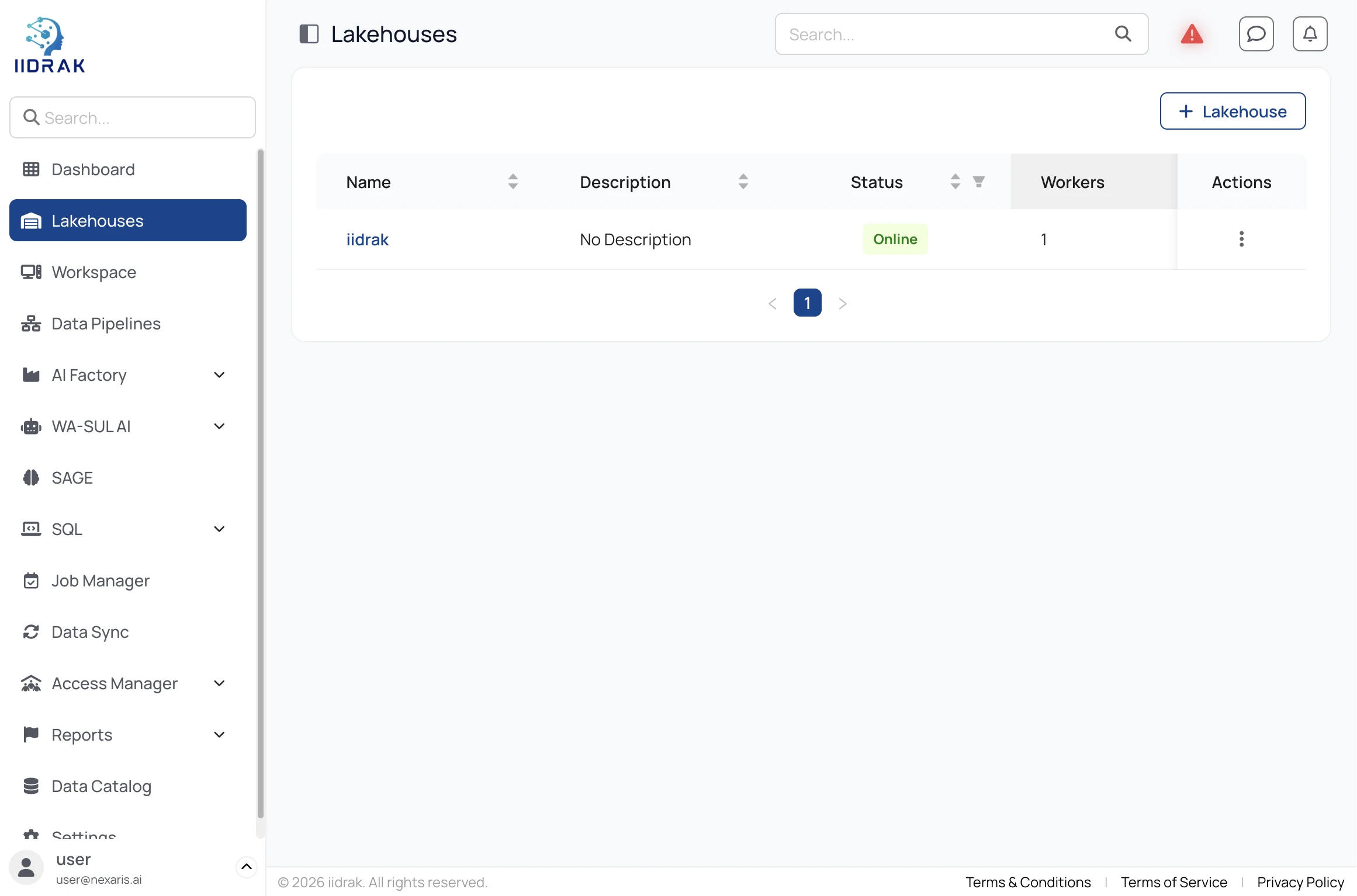
Creating a Lakehouse brings up a master node and at least one worker automatically. Status moves to Online when the cluster is ready to accept queries.
Open the Lakehouse to find its JDBC connection string, master and worker node details, cloud provider and worker bounds. Use Cluster Metrics for live cores and memory, and Spark History for completed applications.
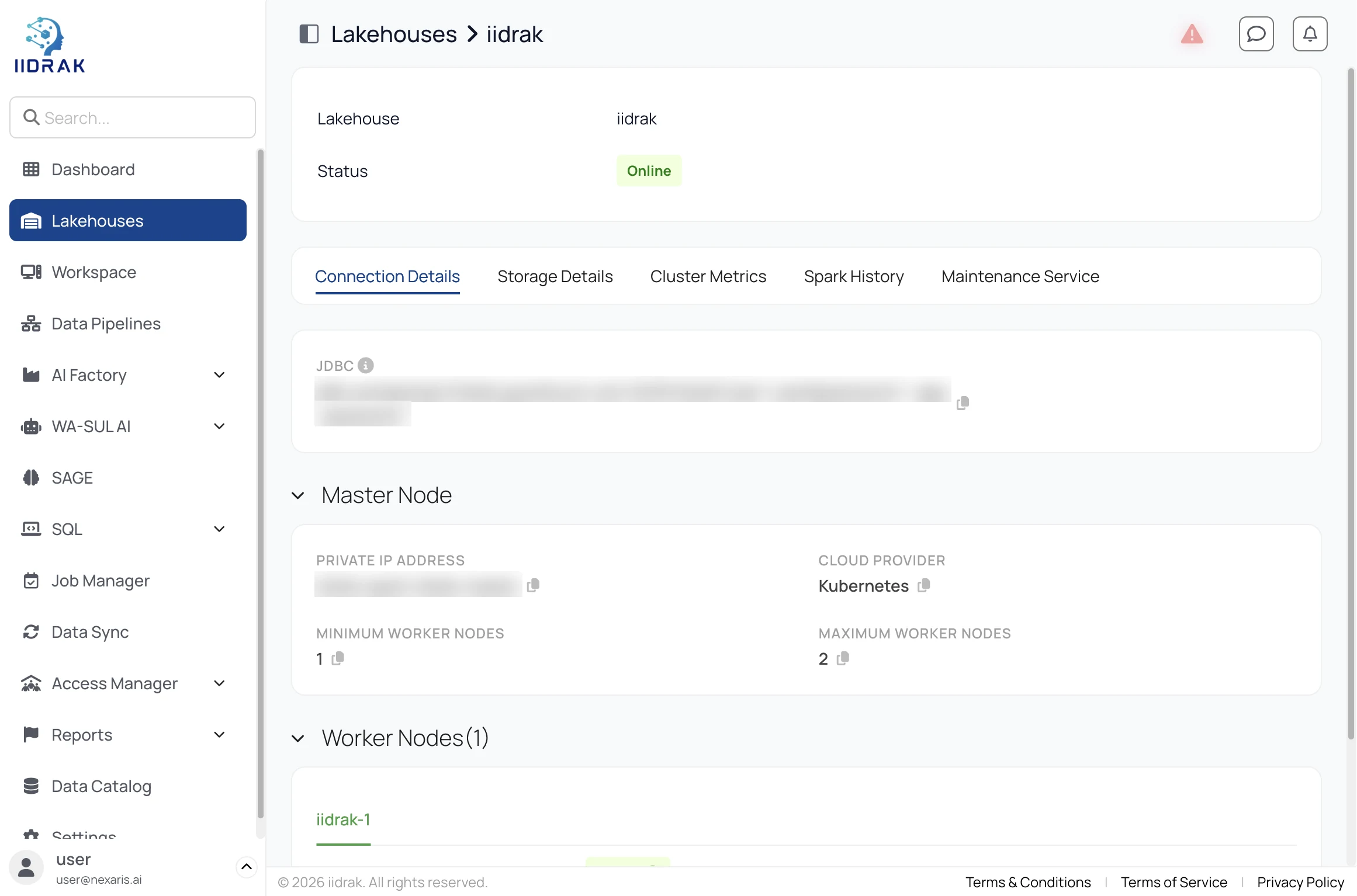
Connection values are blurred in this screenshot. Generate a scoped app password under Settings rather than reusing your login password.
Watch the full walkthrough (141s).
Point DBeaver, DataGrip or a BI tool at the JDBC endpoint and query the catalog directly — no export required.
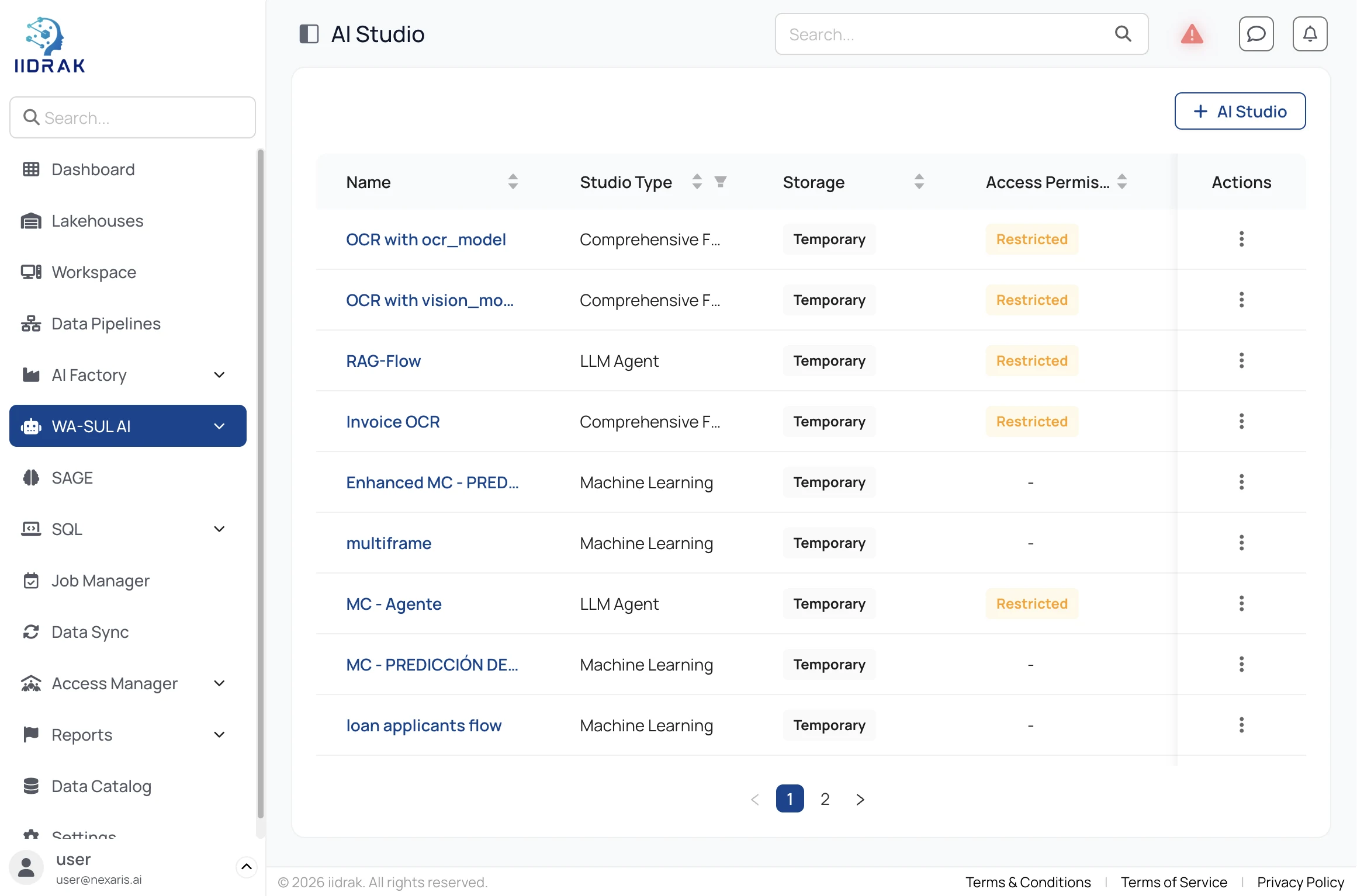
Under WA-SUL AI → AI Studio click + AI Studio and choose a type — a Workflow or Comprehensive Flow for deterministic automation, a Machine Learning studio to train a model, or an LLM Agent for a model with tools and memory.
Open the studio and drag a trigger onto the canvas from the palette — Triggers, Connectors, Data Source, OCR, Custom Tools and Workflow Components are grouped on the left.
Connect the trigger to a processing node and on to your actions. In this Email Classifier, a Gmail trigger feeds a Classify node that routes each message into one of three branches, each ending in a Google Workspace action.
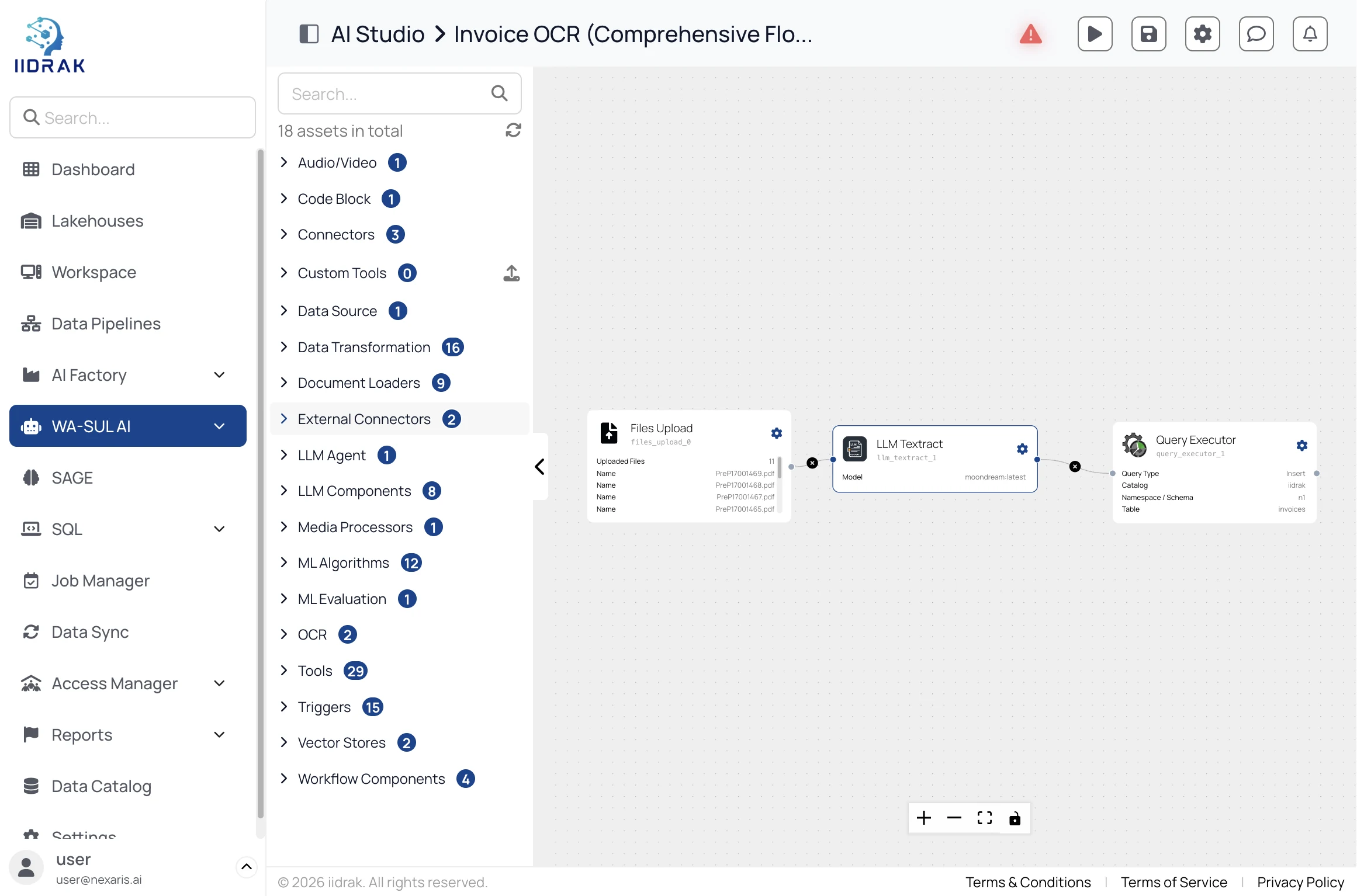
The whole flow — studios list, opening a workflow, and the wired canvas — in 72 seconds.
Use the built-in chat tester to fire the flow manually. New studios default to Temporary storage — save deliberately, because AI Factory's Job Manager can only target saved studios.
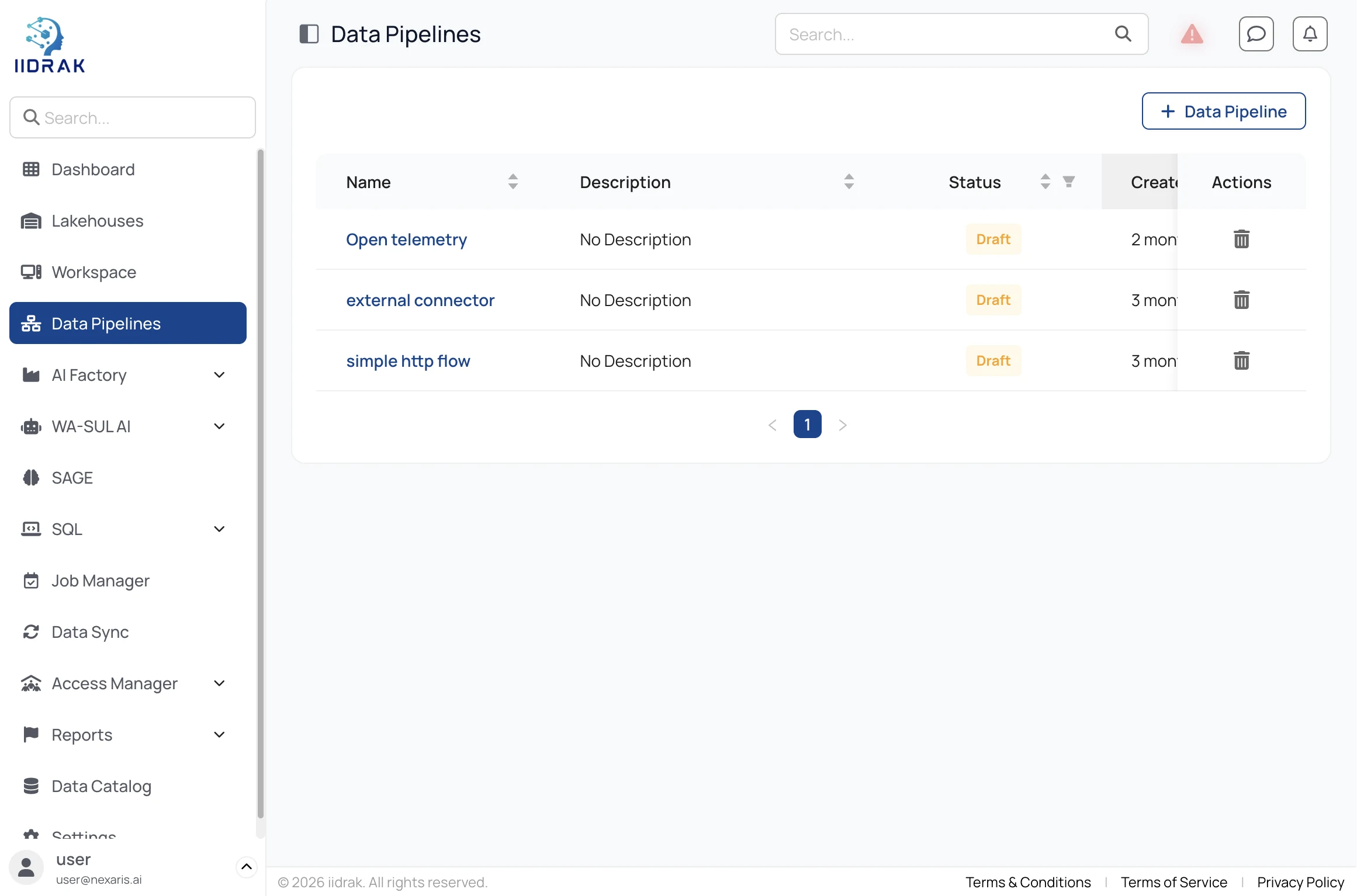
Open Data Pipelines and click + Data Pipeline. Each pipeline lists its status, creator and creation date.
The palette groups 12 Triggers (Kafka, Azure Event Hub, HTTP Server, Otel Collector, CDC consumers), 5 Transformations, 7 Datasources and the datasinks. Drag from a node's success handle to the next node's input.
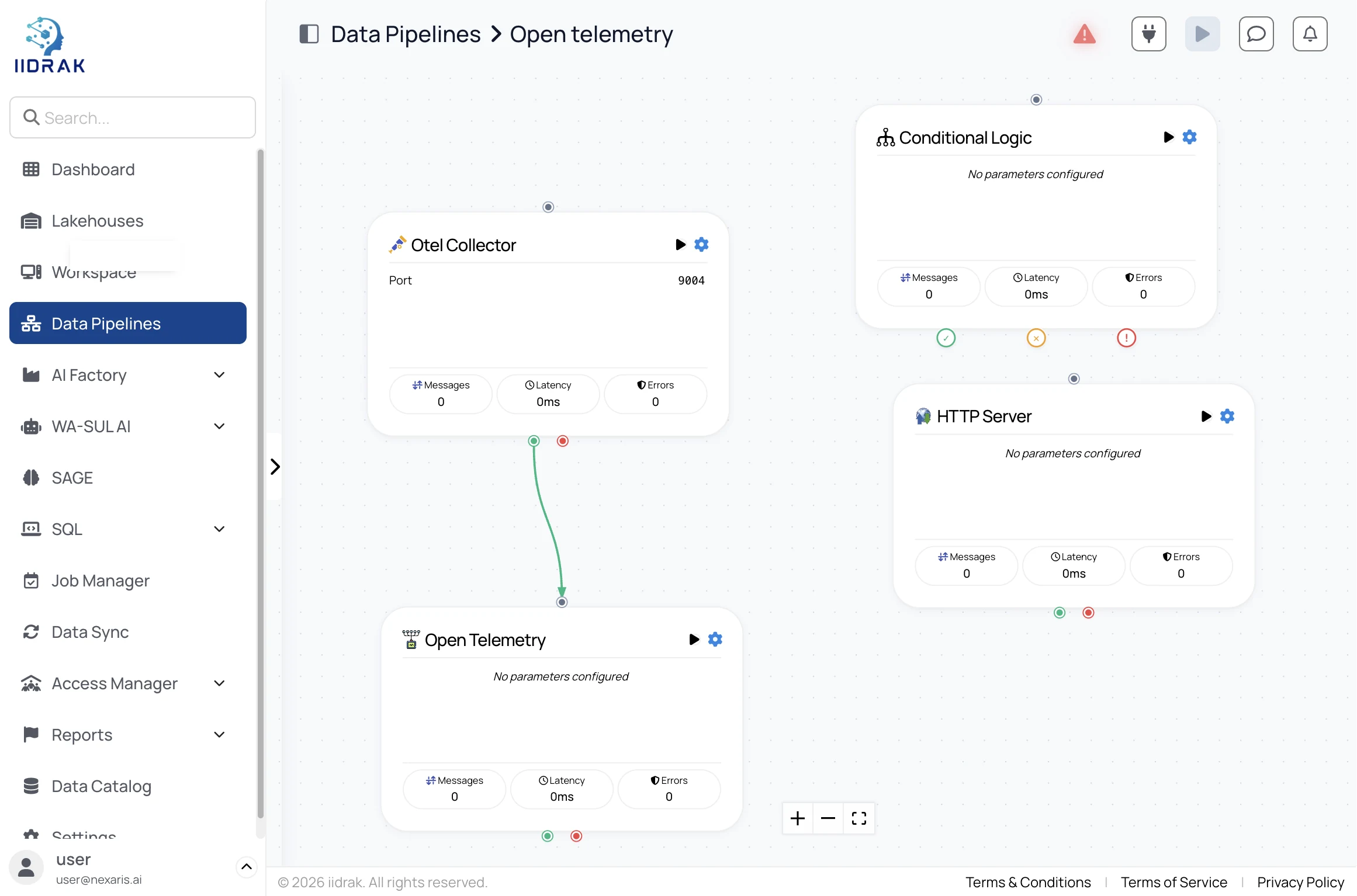
List, canvas, node palette and live counters (58s).
Once traffic flows, each node reports live message count, processing time and error count. For one-off file loads use Data Sync instead; to run periodically rather than continuously, schedule it in Job Manager.
Model Hub, serving with traffic splitting, guardrails, EU AI Act compliance and the registry (64s).
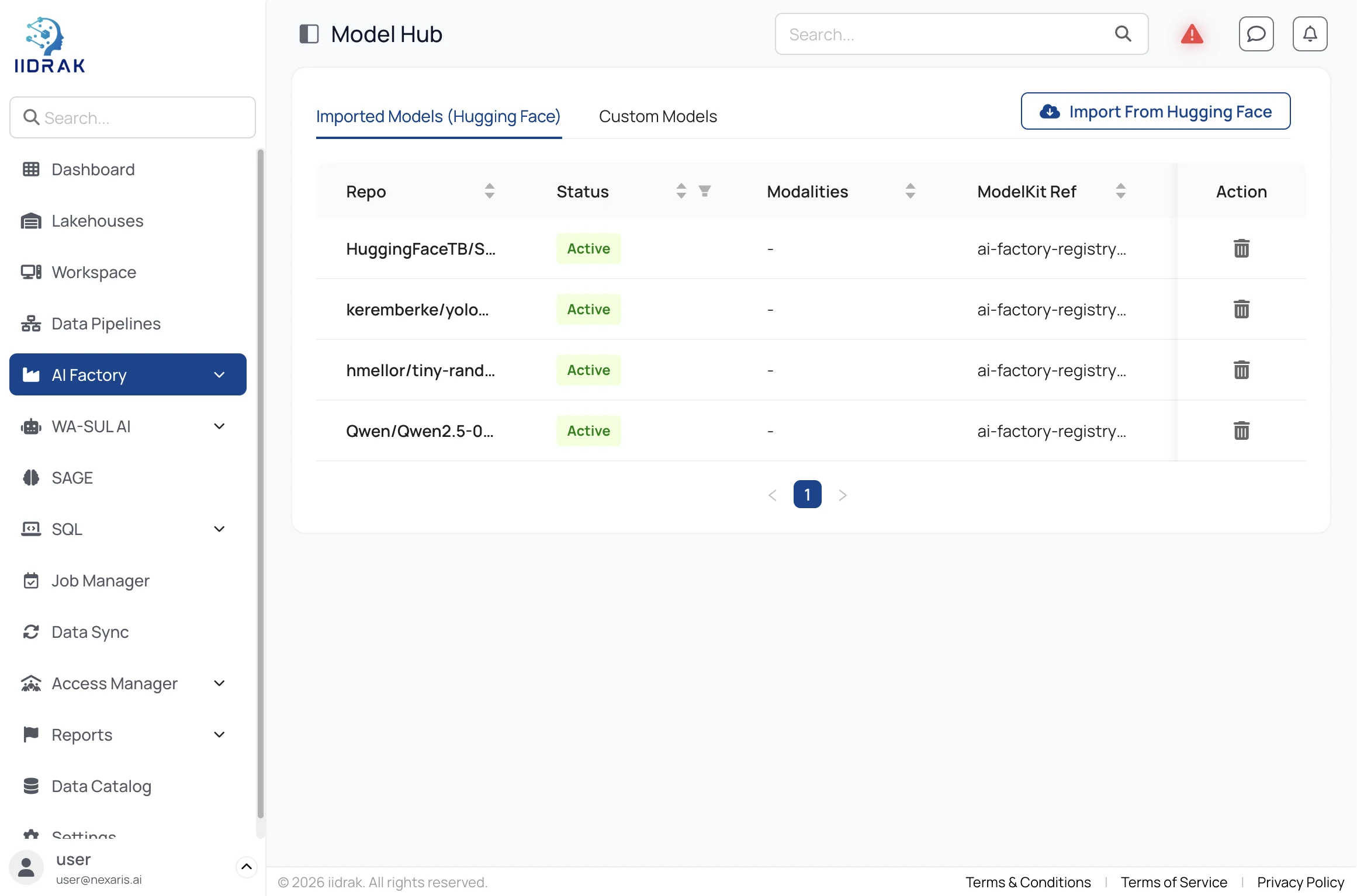
Open AI Factory → Model Hub and click Import From Hugging Face, or register a custom model. Imports land with status, modality and a ModelKit reference — the model comes to your environment, not the other way round.
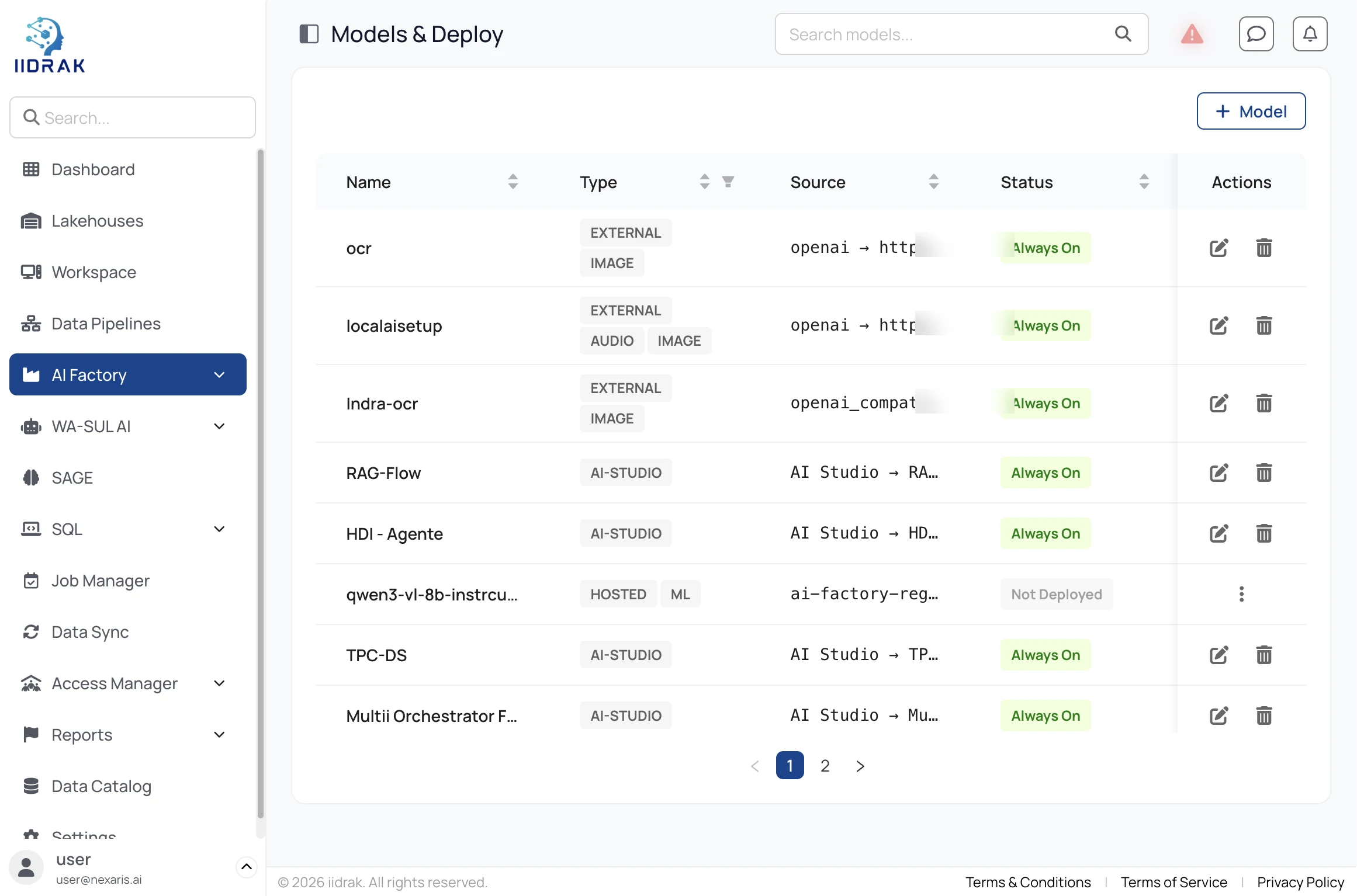
Under Models & Deploy add the model as an always-on endpoint. AI Studio flows and external providers such as Azure OpenAI sit in the same list, and a traffic-split group runs two versions side by side.
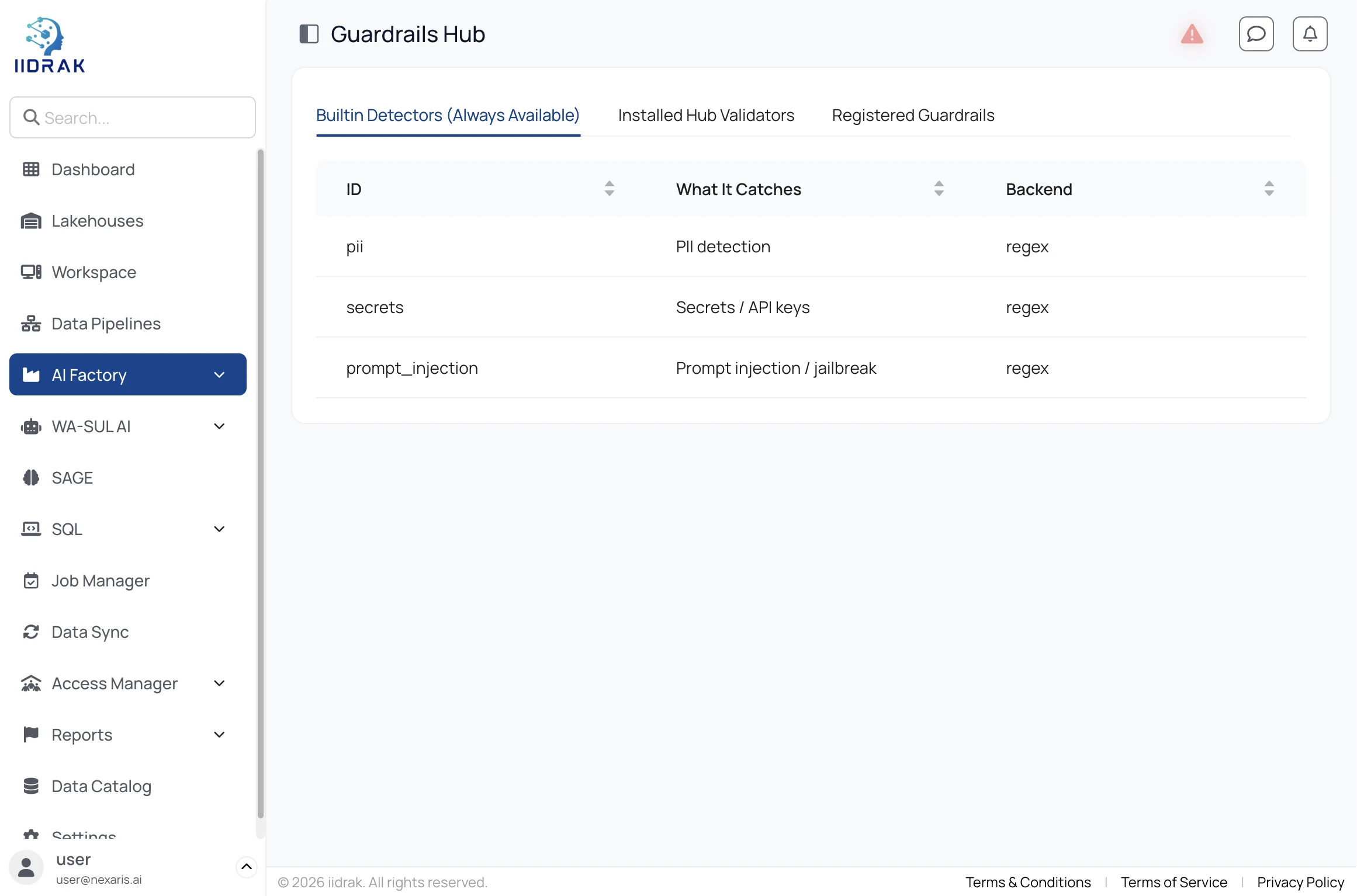
Guardrails Hub ships built-in detectors for PII, secrets and API keys, and prompt injection or jailbreak. Add installed validators or register your own — they apply to every served model.
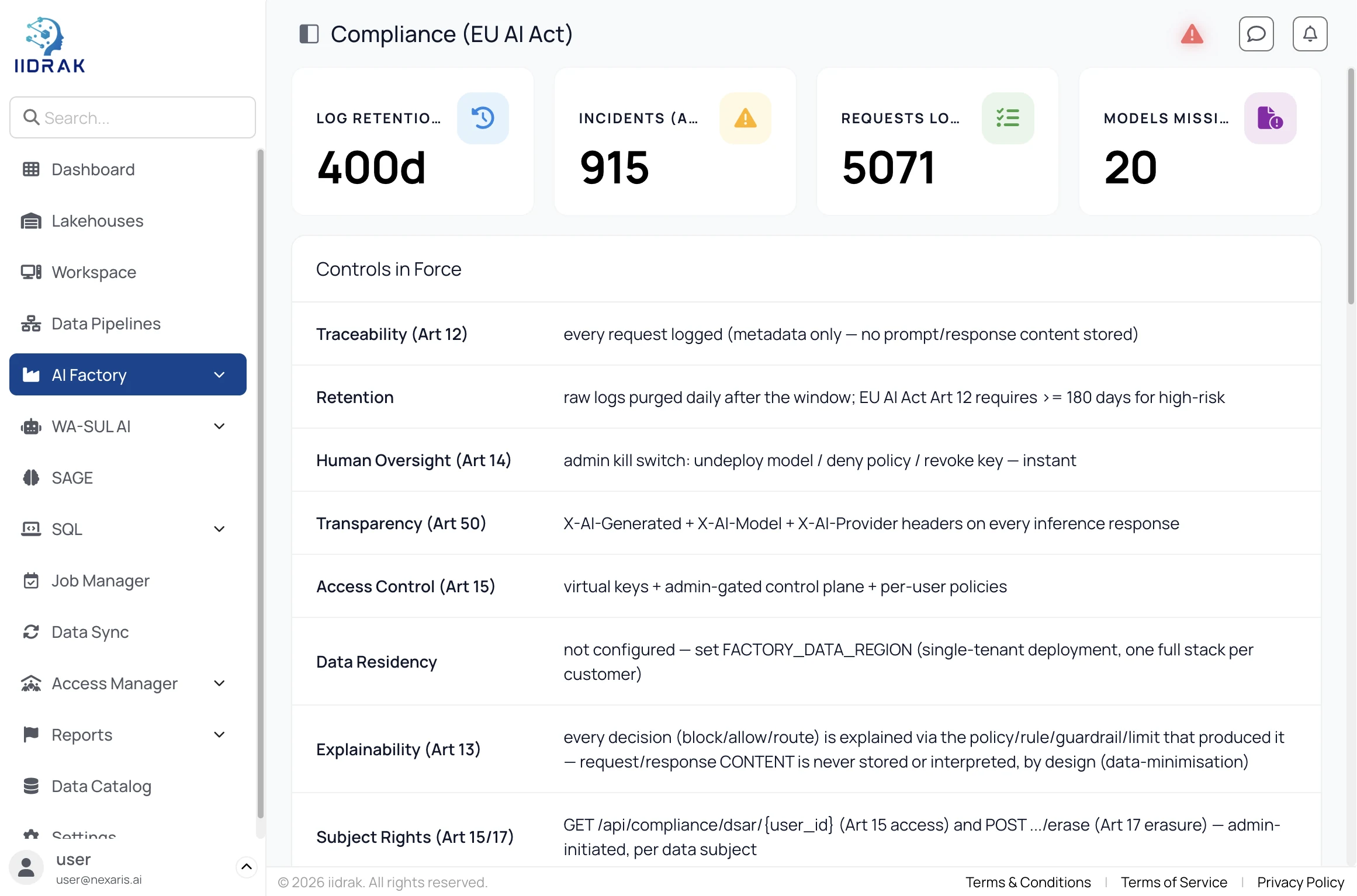
Compliance tracks EU AI Act controls article by article — traceability, retention, human oversight, transparency, explainability and subject rights — with request logs, incident counts and audit export.
Use Playground to call the endpoint in-browser and copy the equivalent cURL, then follow the API Guide for keys, base URL, chat completion and streaming.
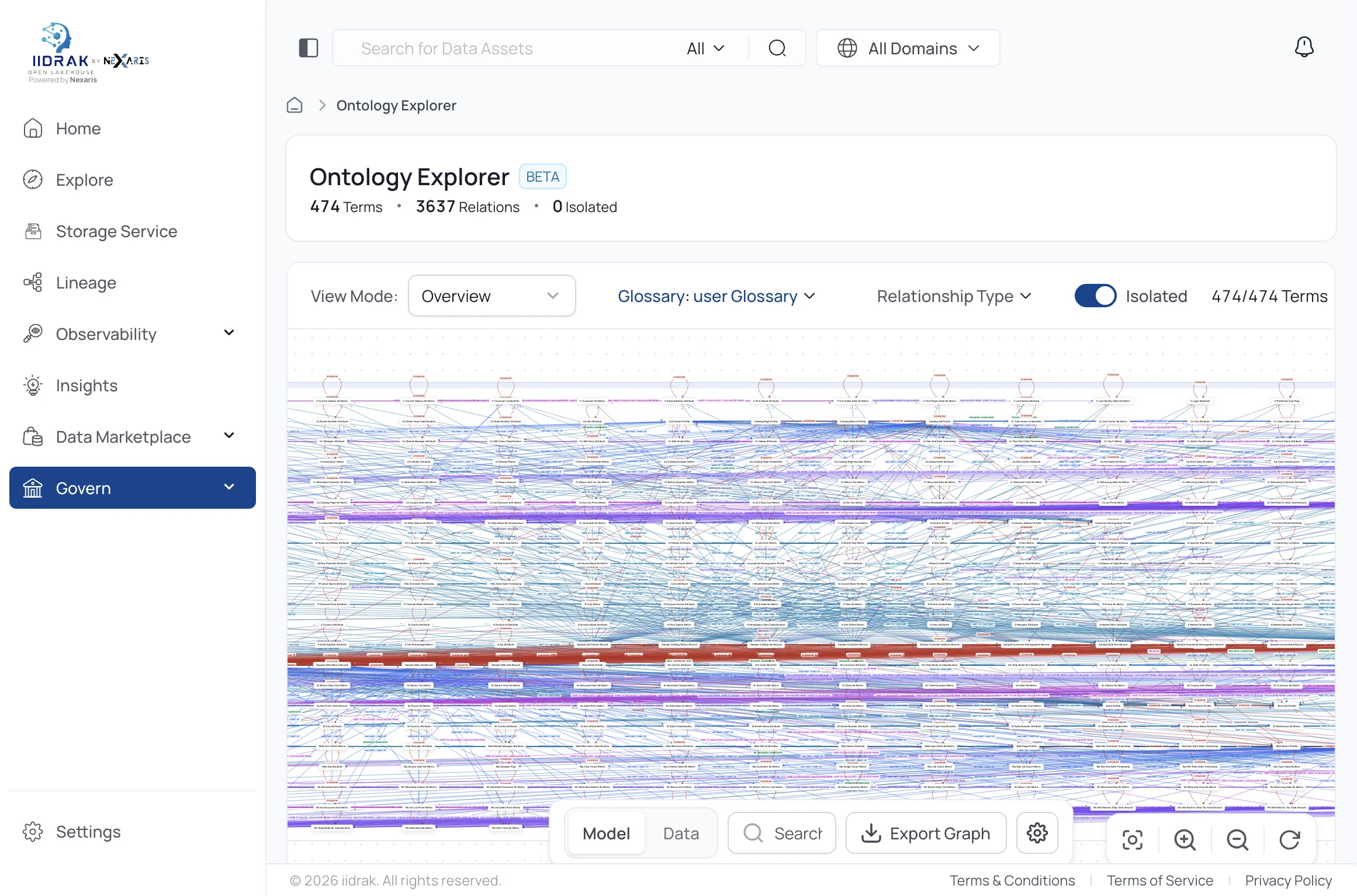
Under Govern → Ontology Explorer, view how business concepts relate as a navigable graph — filter by glossary and relationship type, isolate a subgraph, or export it.
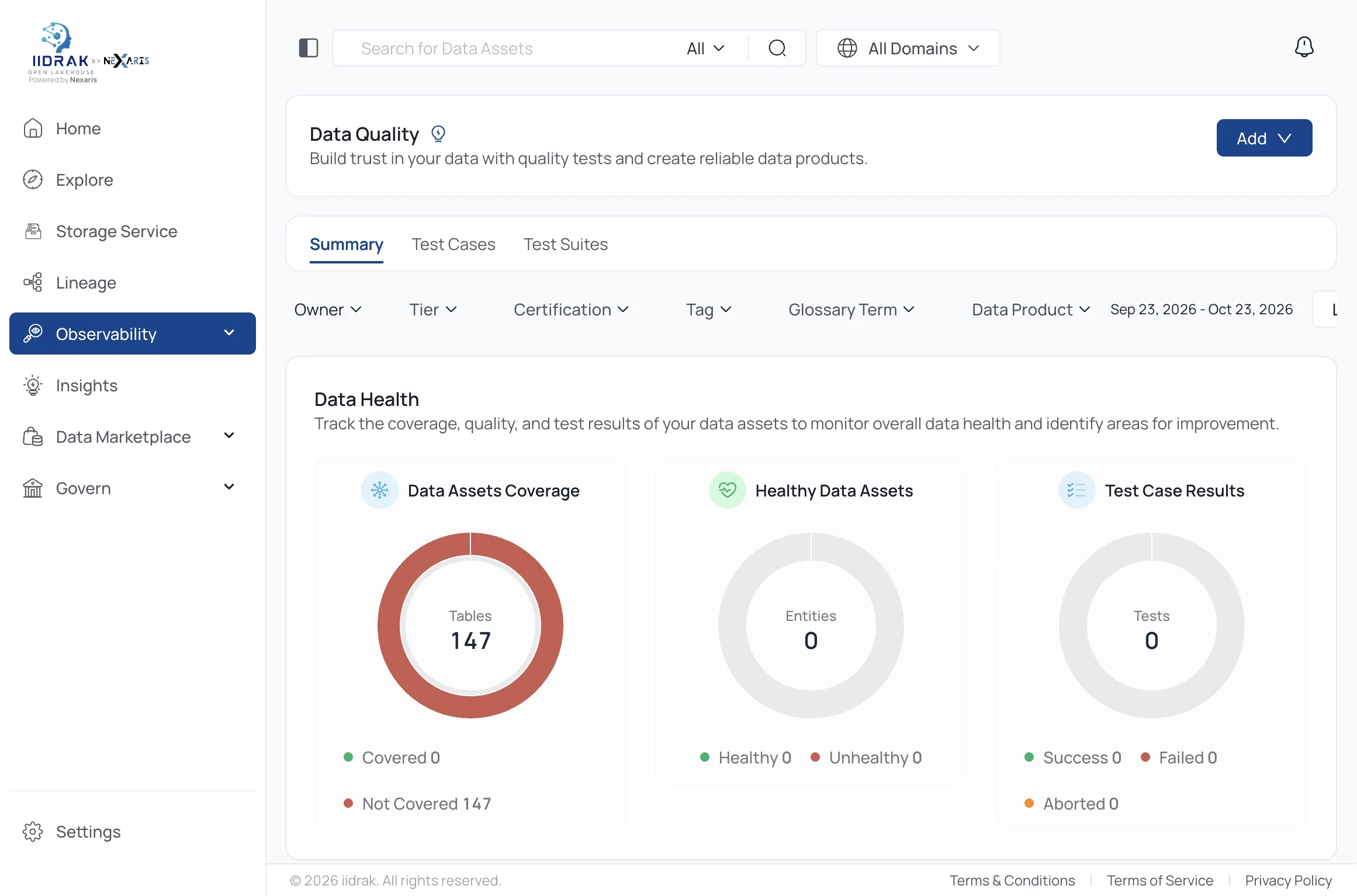
Observability → Data Quality shows coverage across your assets, healthy versus unhealthy, and test case results — so you know which tables to trust before building on them.
Failed tests become incidents in Incident Manager, with assignee, severity and status — so a quality problem has an owner rather than sitting silent.
In Data Marketplace, publish curated Data Products against Domains so teams can discover them and request access, instead of emailing whoever owns the table.
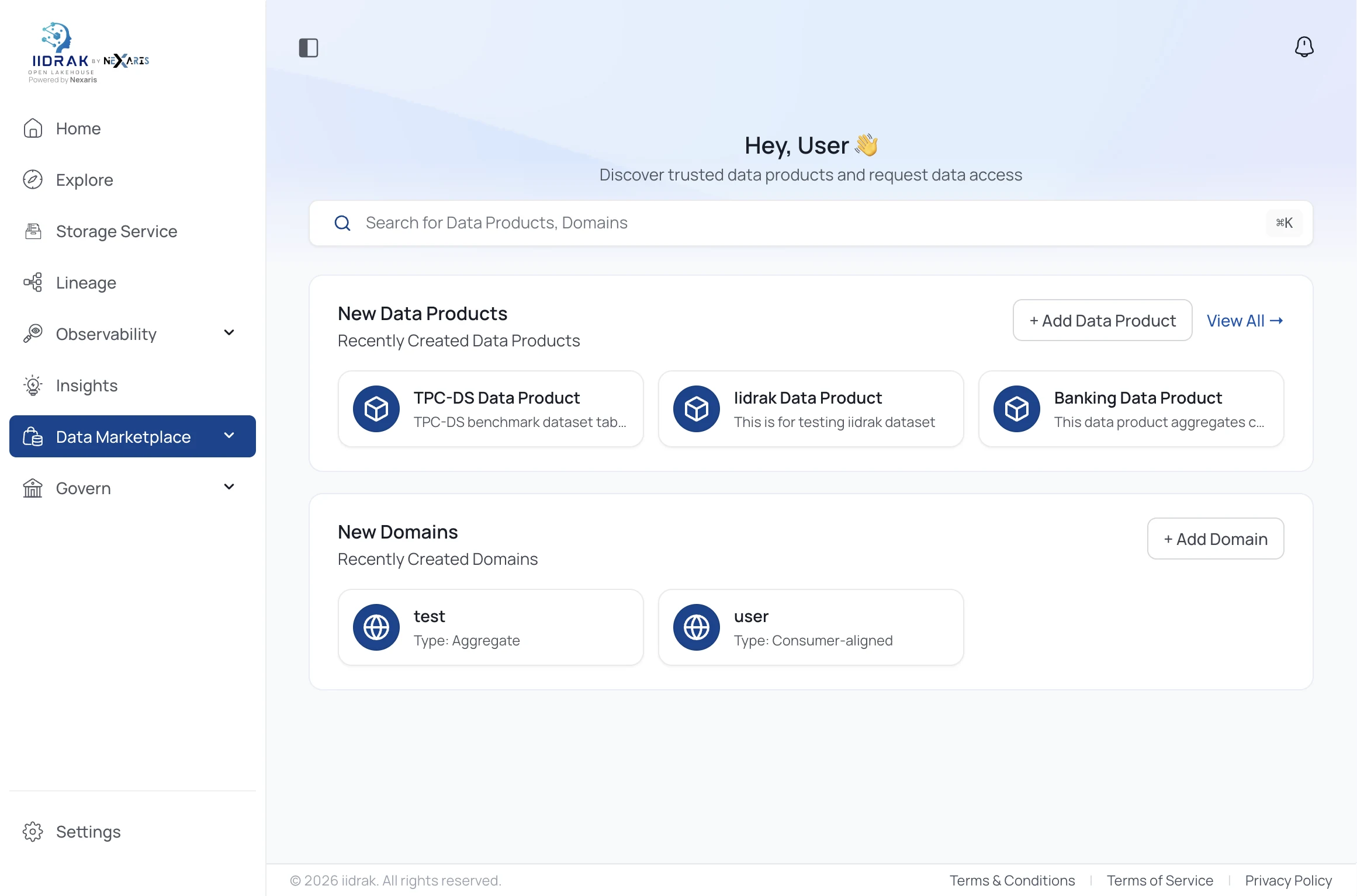
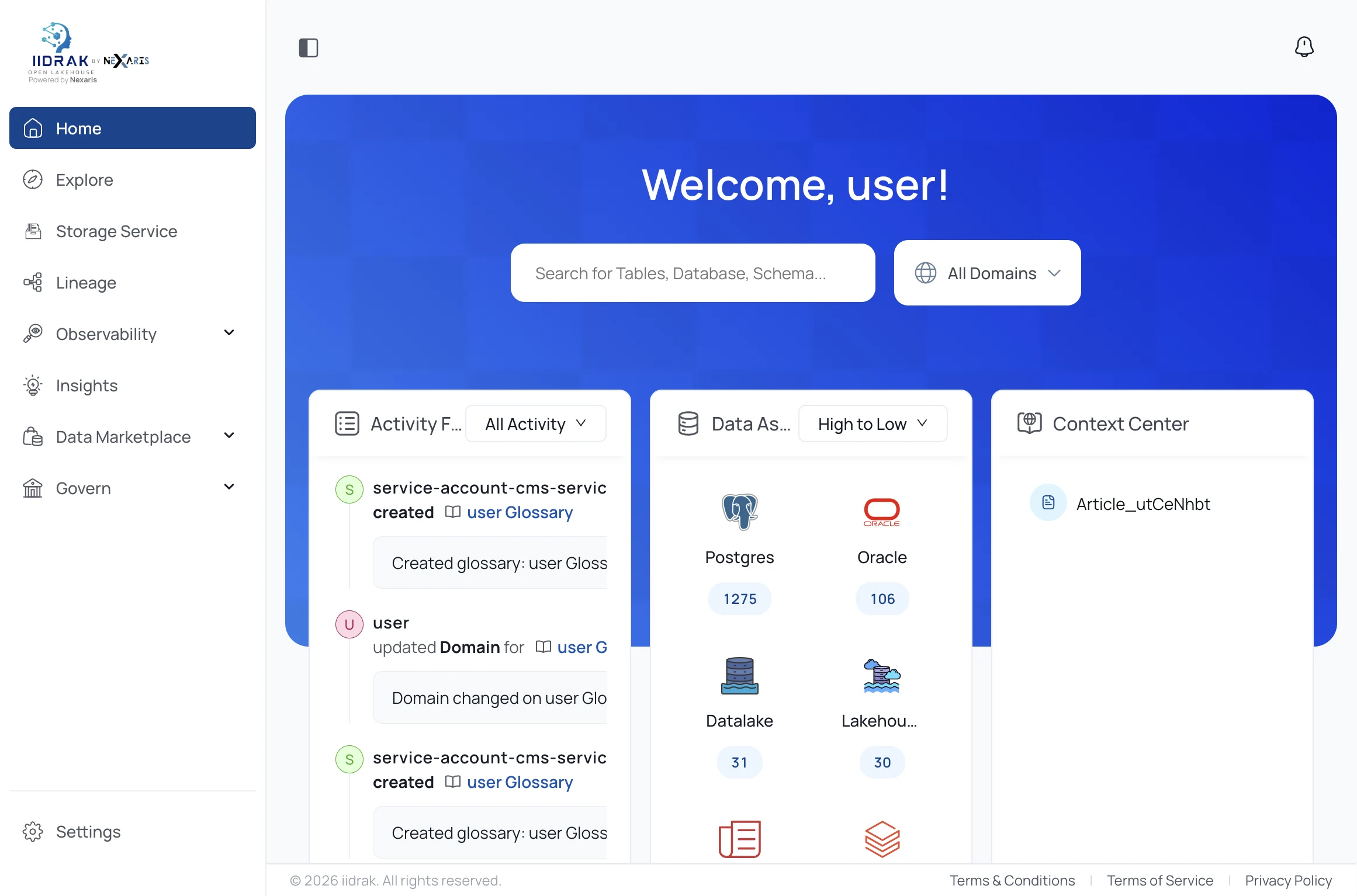
Home, activity, data products, the ontology graph and faceted search across the whole estate (92s).
Activity feed, data products, domains and asset counts per connected system — everything indexed in place, nothing copied.
The Browse Estate tree groups everything under Databases, ML Models, Governance and Domains — with live counts per source.
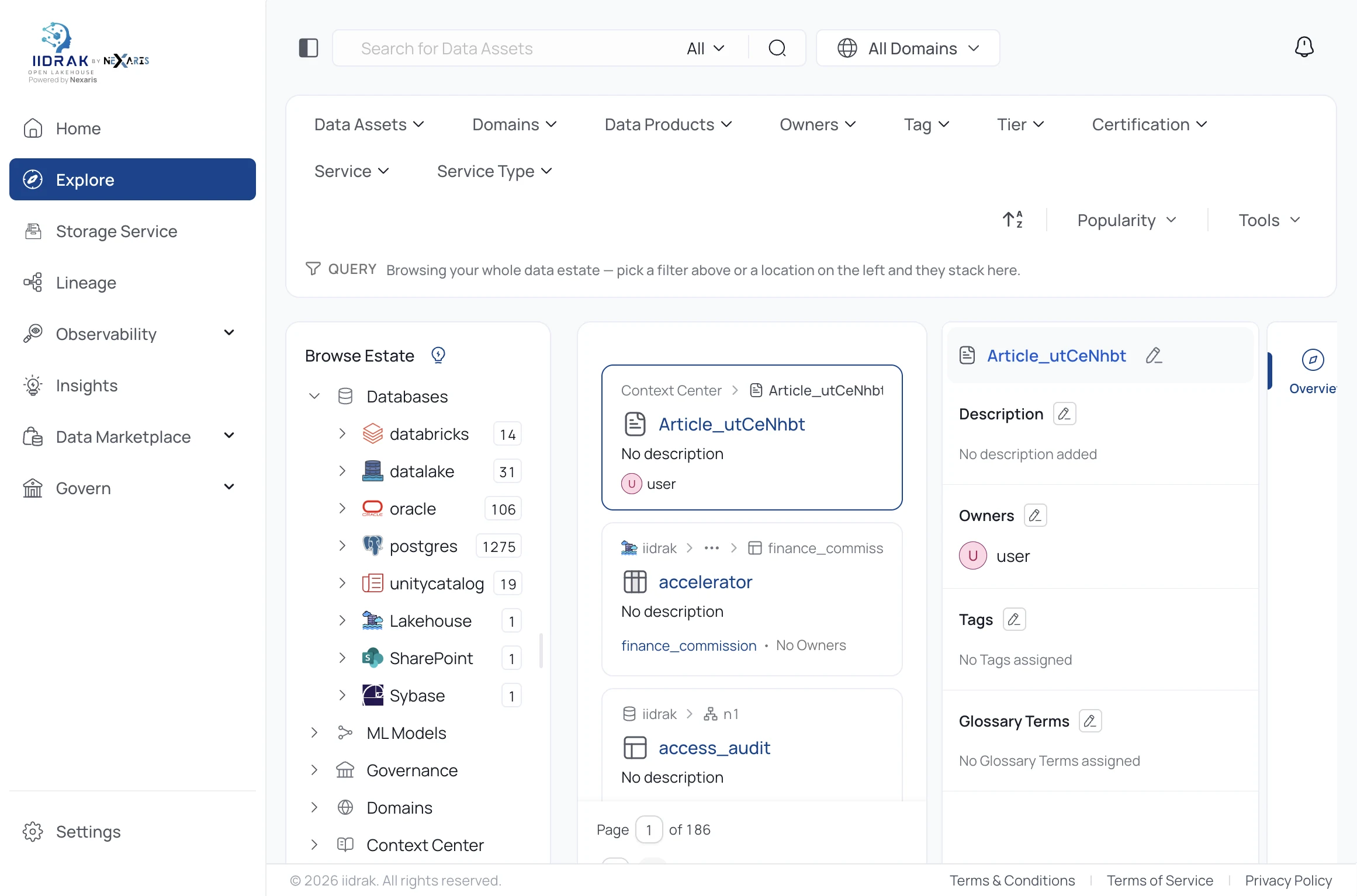
Counts come from a live deployment and move as sources are connected — Databricks, datalake, Oracle, Postgres, Unity Catalog, the lakehouse, SharePoint and Sybase are all indexed in place.
Facets span Data Assets, Domains, Data Products, Owners, Tag, Tier, Certification, Service and Service Type. Classification applied here is what Guardiuum policies key off.
Policies are built as a three-step wizard — Details, Resources and Assign to. The dashboard above it counts every decision and reports coverage for structured data and for the embedding collections used by agents and served models.
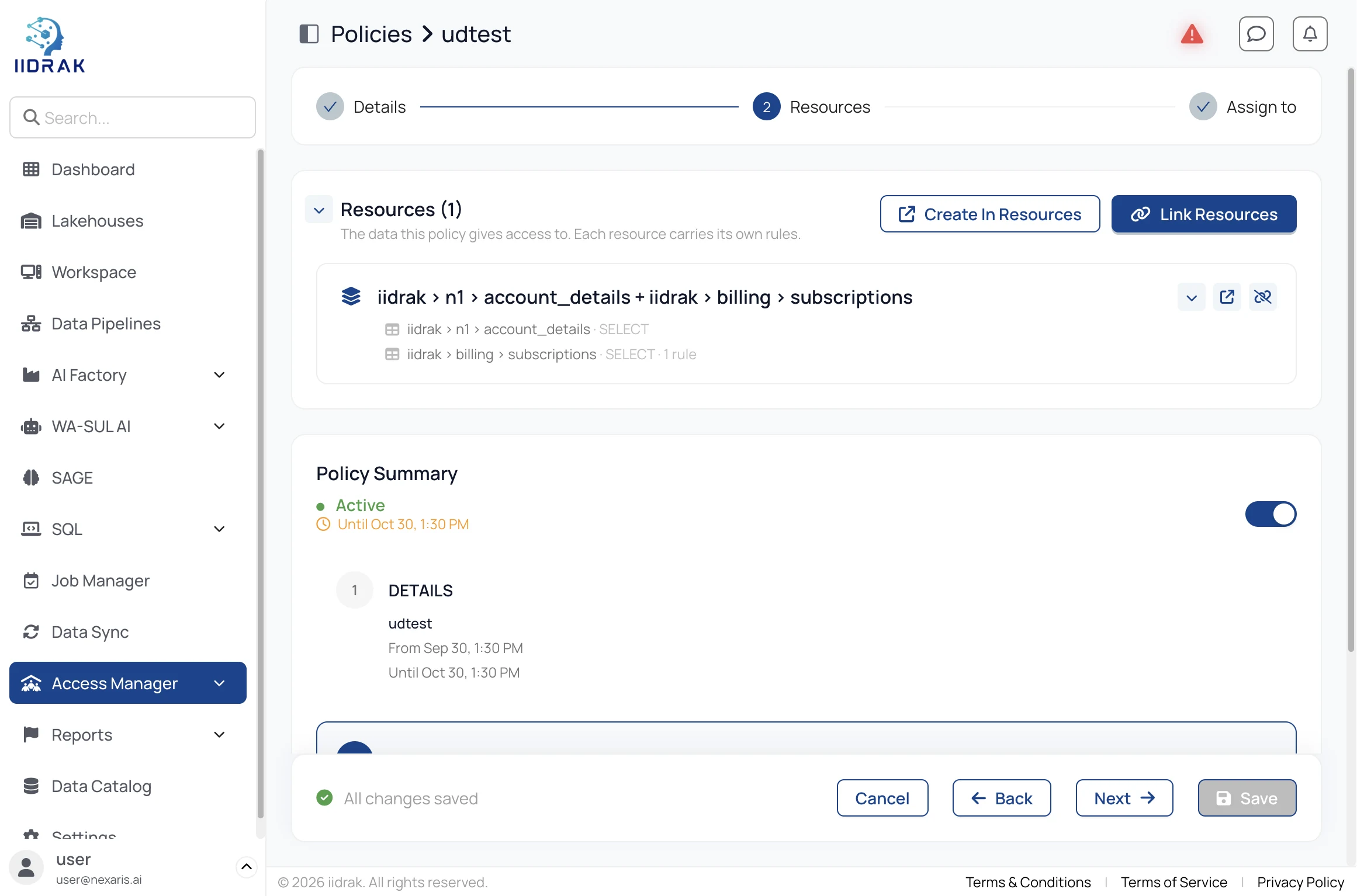
In Details, give the policy a name and set Active From and Active Until — access starts and ends exactly at those times for everyone assigned. Then choose who it applies to under Access By.
In Resources, link a resource group and narrow to specific tables, columns, tags or actions. Each resource carries its own rules, and the summary panel renders your rule as a sentence — it is generated from the same values used to enforce the policy, so if the sentence doesn't say what you intended, the rule won't behave as you intended.
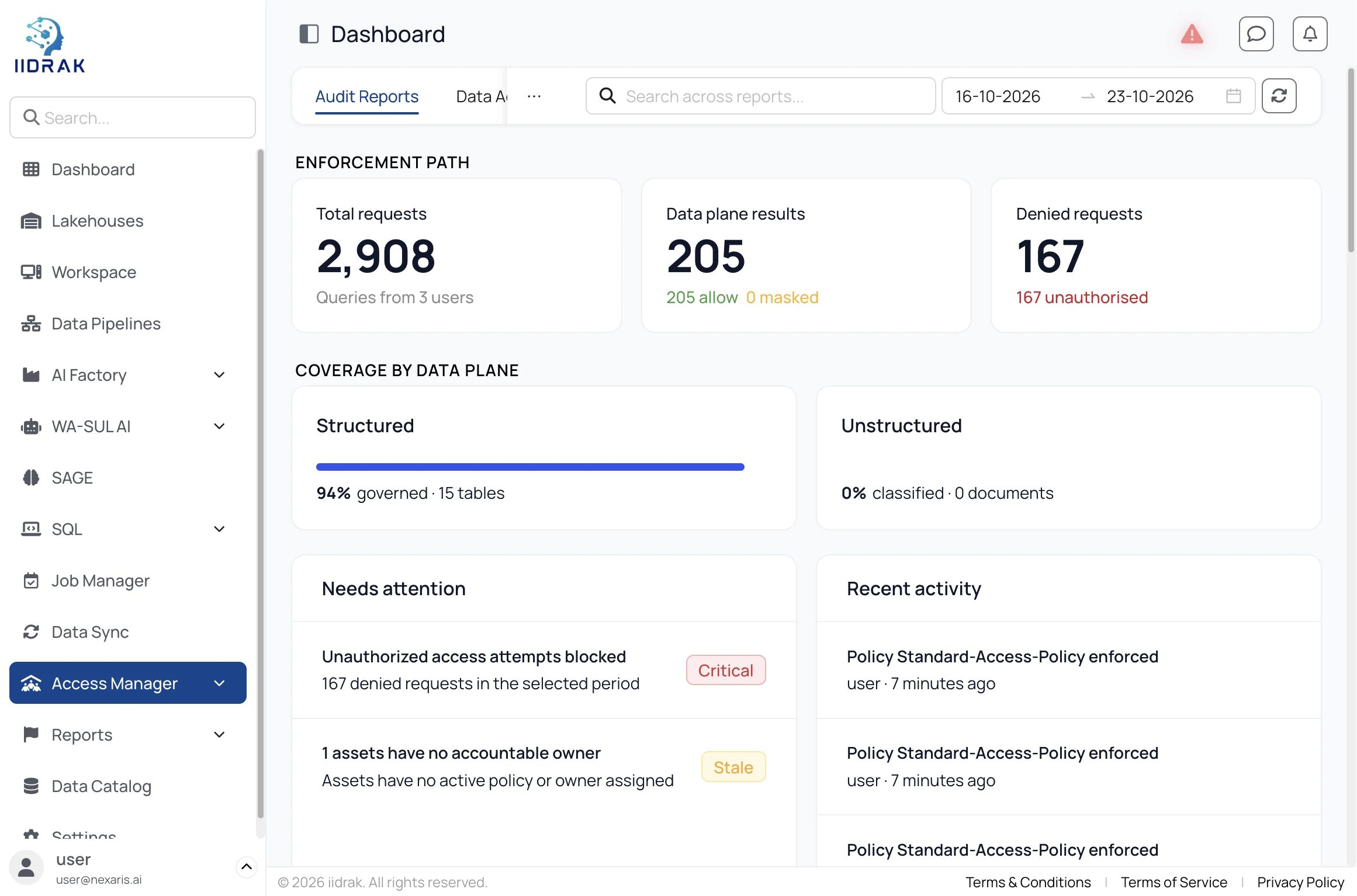
The Access Manager dashboard shows total requests evaluated, allowed versus masked results, denied requests and the percentage of tables and documents actually governed — with a Needs attention list of assets with no policy at all.
Open SAGE, click + Space, name it and bind it to a Lakehouse — the equivalent of scoping a conversation to one governed dataset.
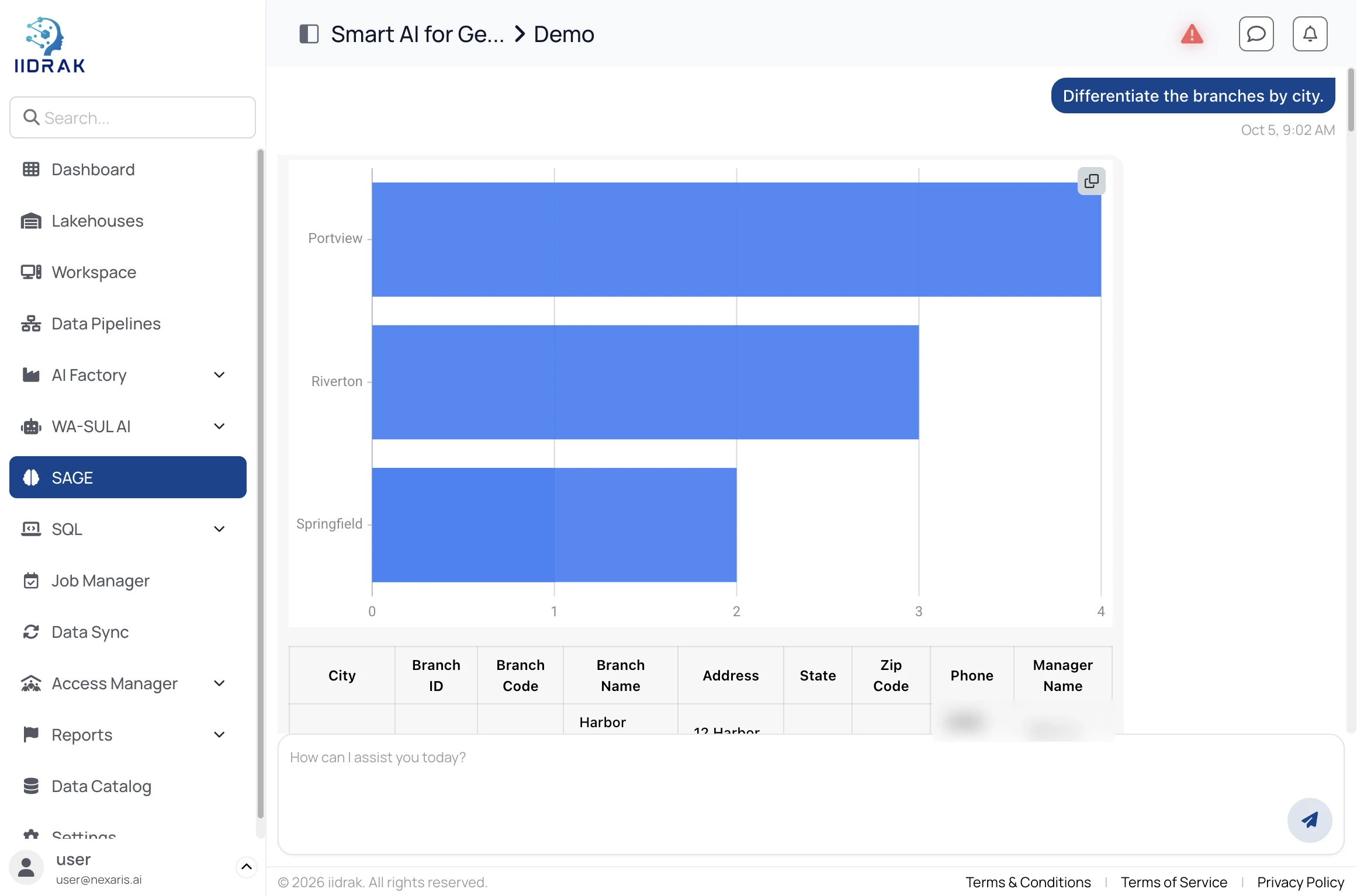
SAGE resolves your question against that Lakehouse's schema and returns grounded answers from your actual tables — not generic model knowledge.
Chat spaces bound to a governed lakehouse — plain English in, a chart out (48s).
Every answer is filtered through whatever Guardiuum policy applies to the person asking. Fewer columns than expected is masking working as intended.
Job Manager has a tab per type — AI Studio, Data Pipeline, Notebook and Spark. Click + Job and name it.
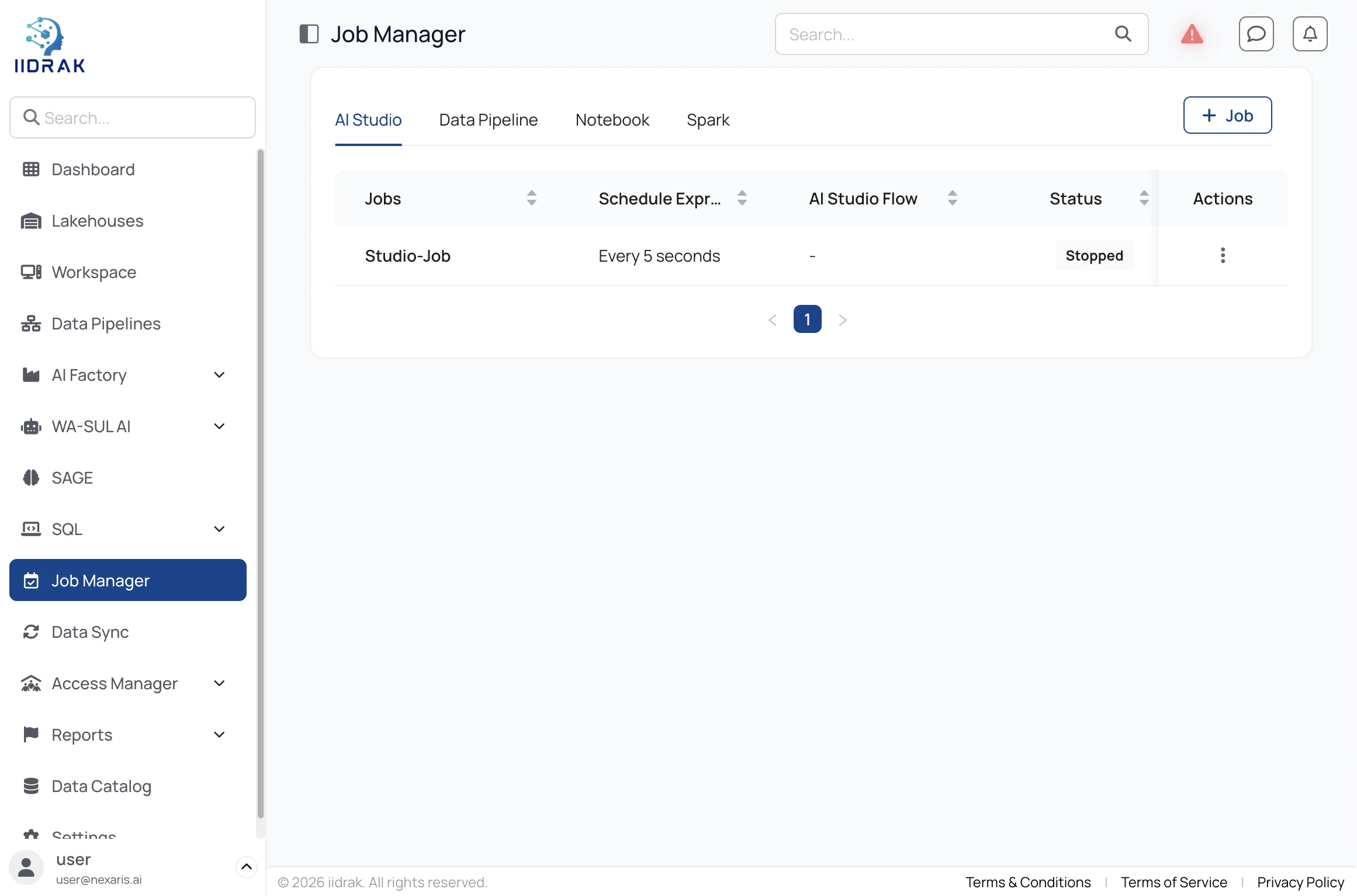
Use a cron expression or plain-English shorthand like Every 5 minutes, then set a retry interval and retry count on failure.
Model Hub, the serving catalog, guardrails and EU AI Act compliance (106s).
For served models, point production traffic at the production alias in the Model Registry rather than a version number. Repointing the alias is the promotion — consumers never change.
Lakehouses, Workspace, SQL Editor, Data Pipelines, Data Sync, SAGE, Charts.
AI STUDIOWorkflows, LLM Agents, document loaders, vector stores, Annotation Studio.
OPERATEJob Manager, Experiments, ML Model Registry, OpenTelemetry.
METADATAExplore, lineage, glossary, ontology, classification, metrics.
GOVERNANCEAccess Manager, Data Access and Vector Data policies, row-level filters.
ADMINDeployment patterns, connector configurations, MCP servers, licensing.
No. iiDrak Lakehouse, Wa-Sul AI Studio, AI Factory and Data Catalog are each independently deployable. Guardiuum is deployed alongside whichever of the other four you choose, since it has nothing to govern on its own.
The platform licence has lapsed. Every module stays viewable, but writes — running cells, saving pipelines, creating policies — are blocked until an admin renews it under Settings → License Manager.
No — that is Guardiuum column-level masking working as intended. Check Guardiuum → Policies for an Allow Condition scoping your user or group to a column subset.
Use a Connector Configuration to store credentials once. Use Data Sync for ongoing CDC replication of whole tables. Use Data Pipelines for event-driven, streaming or transform-heavy flows.
AI Studio is where you build — the low-code canvas for assembling a workflow or agent. AI Factory is where you operate what is already built: scheduling it, versioning and promoting the models behind it, and monitoring it in production.
On the Lakehouse cluster the flow's connectors point to. Schedule them from AI Factory → Job Manager → AI Studio tab, not from inside AI Studio itself.